Home/Custom CRM

A custom CRM, in your colors.

A custom CRM for small business, built in Easton, MD: one app for your calls, texts, schedule, estimates, invoices and reviews, wearing your logo and your colors, set up around how your business really runs. We build it, move you in, and keep it running.

Book a free consultationor call or text (443) 205-6809

Start with a 15-minute call.

Pick a time on our calendar. We ask how your business runs, then build your free preview and show it to you.

Book a 15-minute call

Free. No card. Or call or text (443) 205-6809.

We build your website preview first and show you the app on the same call. Your own branded system is part of Growth at $497 a month. Not happy in the first 30 days? We refund the first month.

The app dressed as Stonewake Excavating and Paving, a sample business: a graphite menu with an amber logo and a banner that greets the owner by name
Stonewake Excavating & PavingA sample excavating company. Same software, in its own colors, with its own logo and morning screen.
See it as

What changes the week it is yours.

  • One place.

    The call, the text, the quote, the job and the invoice for a customer sit on one page, so nothing lives in your head or on a sticky note.

  • Your name on it.

    Your crew and your customers see your logo and your colors on the app, the booking page and every estimate, never somebody else’s brand.

  • Built around you.

    The first screen, the menu and the dashboards are set from how you actually work. What you never use is put away.

  • Run for you.

    We set it up, bring your customer list over, show you and your crew how to use it, and change it when you text us.

Want it as your own app on your phone? Your name and logo on your home screen, your day and your crew behind it. An add-on, quoted on its own.

See the mobile app

Watch one job go from the first call to paid.

One minute on a sample account: the request comes in, the estimate goes out, the job lands on the schedule and the invoice gets paid.

One minute, with sound. A sample account, real screens, captions on.

What is inside, and what it gets you.

Today

Know what needs you before the first coffee.

The first screen greets you by name and puts the six places you go most one tap away. Under it are charts you can read in a second: visits month by month for the year, how those visits turned out, and this week day by day. Beside them sit the numbers you check, named the way you say them: what you finished and billed this month, new requests to answer, and quotes waiting on a yes.

The morning screen of a sample account: a banner greeting the owner with six shortcut buttons, then a line graph of visits by month, a ring chart of how visits turned out, and tiles for the month’s money and new requests

The day

Send every crew out knowing where they are going.

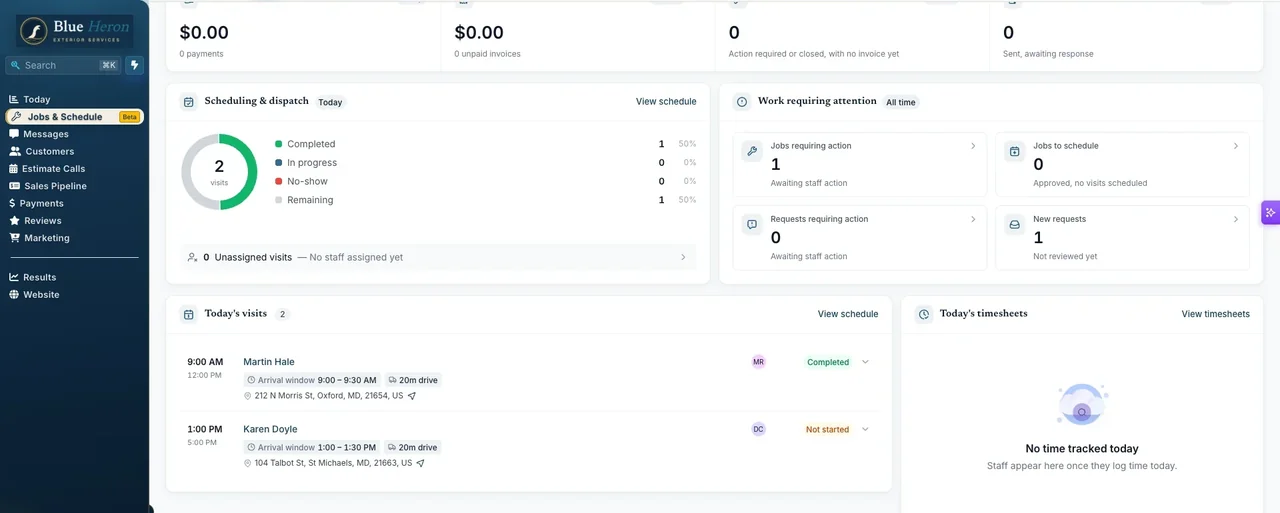
The day on one screen: who is going where and when, with the arrival window and the drive between stops, the jobs waiting on you, and the requests nobody has looked at yet.

The overview screen of a sample account: today's visits with arrival windows and drive times, and the work requiring attention

Schedule

Every job on the calendar, every crew in its own column.

Each crew has its own column, so you see who is where and who has room. The day’s stops sit on the map beside the calendar, and a visit moves with a drag.

The schedule of a sample account: a day view with a column for each crew member and the day's visits pinned on a map

Job board

See every job from the first call to paid.

Every request becomes a card on one board: new, quoted, booked, done. You see what is waiting on a quote and what is waiting on you, and what each column is worth.

The job board of a sample account: cards for each customer in columns for new requests, quoted, booked and done, with the value of each column

Estimates

Send a quote that looks like your business.

The quote goes out in your brand, built from your own services and prices. The customer opens it on their phone, ticks any extras, signs with a finger and approves, and the approval lands in your app.

A quote from a sample business in its own logo and colors, with line items, an optional extra and the total, and beside it a phone where the customer has signed and is approving it

Invoices

Get paid on an invoice with your name on it.

A finished job becomes an invoice without retyping it, in your logo and colors. The customer opens it from a text or an email, and when it is settled it shows paid in full, with the receipt.

An invoice from a sample business in its own logo and colors, showing the work done and the total, and beside it a phone showing the same business’s invoice paid in full

Booking

Take bookings while you are on a job.

Your own booking page lists your services with your photos, your prices and how long each takes. A customer picks one and books from their phone, and it lands in the app with everything you need to show up.

The public booking page of a sample account: its services with photographs, prices, durations and a Book button on each

Ten minutes to spare? Watch the whole system.

The full demo · 10:09

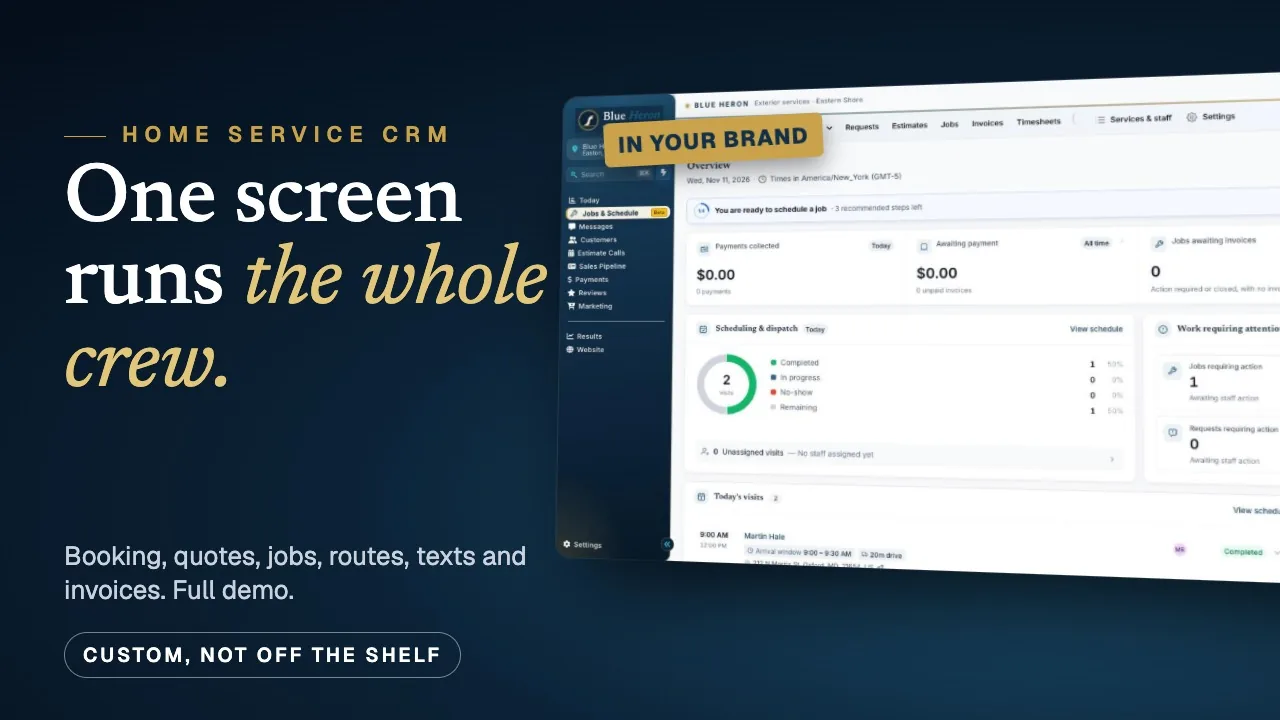
The full walkthrough on a sample home service company: the morning board, the booking page, a request turned into an estimate, the crew’s checklist, the schedule with its routes, the texts that send themselves, and the invoice at the end.

Plays right here, from our YouTube channel. A sample company with sample customers.

The opening frame of the ten-minute demo: a home service company’s CRM in its own brand 10:09

Dashboards

Dashboards built from how you really work.

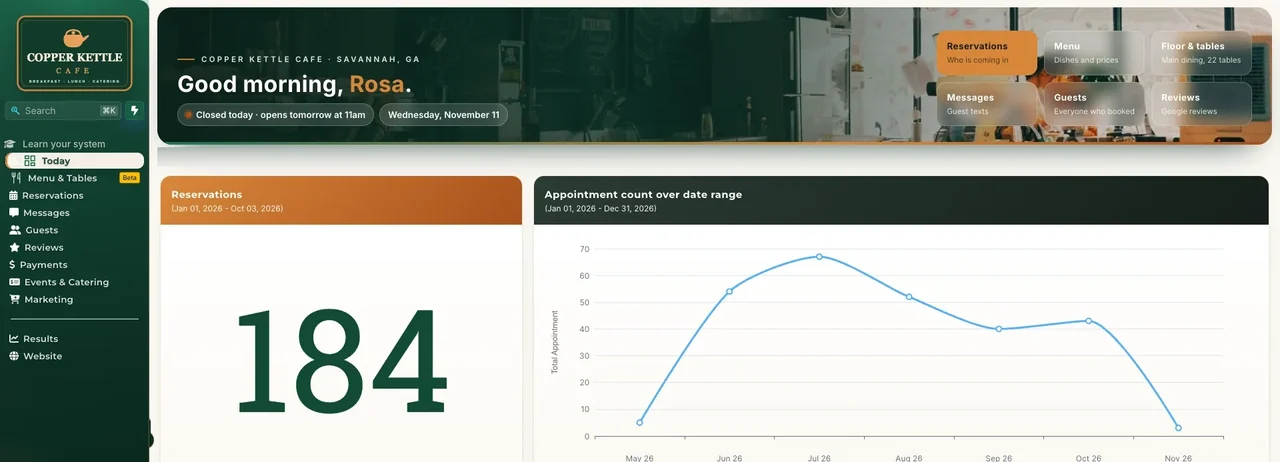
Before we draw a dashboard we read how the account is used: what gets opened, what gets ignored, where a caller falls through. A cafe’s day opens on tonight’s reservations. A wash company’s opens on the callers nobody has rung back. Yours opens on whatever you check first.

The screen is from a sample account for a made-up cafe. More on custom dashboards.

The morning dashboard of a sample cafe's account: a banner greeting the owner, buttons for reservations, menu, tables, messages, guests and reviews, and the month's reservations as a chart

Lessons, inside your app.

New software fails when nobody learns it. So we can build a short course into your menu: one lesson for each part of your system, filmed on your own screens, each ending with one thing to do that day.

  1. Your day at a glance4 minutes
  2. Answering a new request5 minutes
  3. An estimate from the driveway4 minutes
  4. The schedule and the map6 minutes
  5. Invoices and getting paid5 minutes
  6. Asking for the review3 minutes

Running today.

Branded CRMs we built are live in the accounts of a restaurant, an exterior cleaning company, a gym and a nonprofit rescue on the Shore. The screens on this page are sample accounts, because a client’s customers are nobody else’s business.

Websites built to win the job.

Twelve sites we built

Every one is live on the business’s own address, so open any of them on your phone.

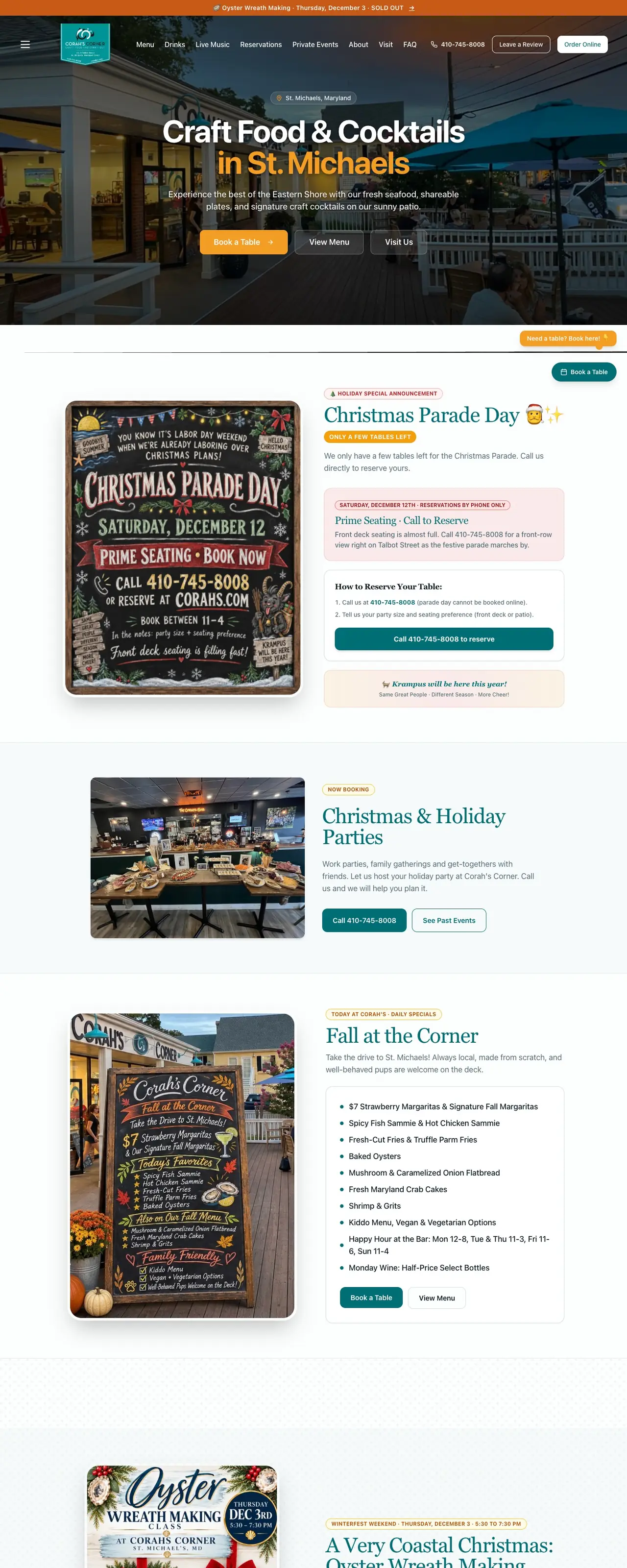
  • The first online reservation came in the day after launch.A restaurant in St. Michaels
  • Yes at 9:55 in the morning. Live on his own address by 10:35.A seafood caterer in Queenstown
  • The first booking landed at 5:30 on a Sunday evening.A car service, two weeks after launch

From our launch records and delivery log. A result carries a name only when its owner has said yes. More on the work page, each with its source.

Custom CRM questions, answered straight.

What is a custom CRM?

A CRM is the app that holds your customers, calls, texts, schedule, quotes and invoices. A custom one is set up for your business in particular: your services and prices, your crew, your first screen, your logo and your colors, with the parts you do not need put away.

How much does a custom CRM cost?

Your own branded system, with your logo and colors, your dashboards, the course, a business number and email, is part of the Growth plan at $497 a month. No setup fee, month to month. Bigger custom software is quoted separately after a fifteen-minute call.

I already use Jobber, QuickBooks or a spreadsheet. Do I have to start over?

No. QuickBooks stays your books, and we connect to it. If your customers live in Jobber, a spreadsheet or a notebook, we bring the list over for you, and you switch when you are ready.

Is it really custom, or a template with my logo on it?

The platform underneath is one we build on every day, which is why it is dependable. What is yours is everything you see and touch: the colors and logo, the menu, the first screen, the dashboards, your services and prices, your booking page, and the automations behind them.

Who sets it up and keeps it running?

We do. We build it, bring your customers over, connect your phone number, your calendar and your payments, and make changes when you text us. Small changes are done the same day.

Where are you located?

Easton, Maryland. We build custom CRMs for local businesses across Talbot County and the Eastern Shore, and we will meet you at your shop.

See yours

Book the free consultation.

Fifteen minutes. We ask how a job moves through your business today, show you the app on a sample account, and tell you what yours would take. Leave your cell and a person in Easton calls you back, or pick a time.

Easton Automations

Free 15-minute consultation

  • 15 minutes
  • Phone or Google Meet
  • Eastern time

We keep only a few consultation times open each day.

We ask how your business runs, then build your free preview and show it to you.

Rather talk now? Call or text (443) 205-6809.

We call you back: Monday to Friday, 9 to 5 Eastern, usually within the hour. After hours, first thing the next morning.

Book a 15-minute callCall